

Description
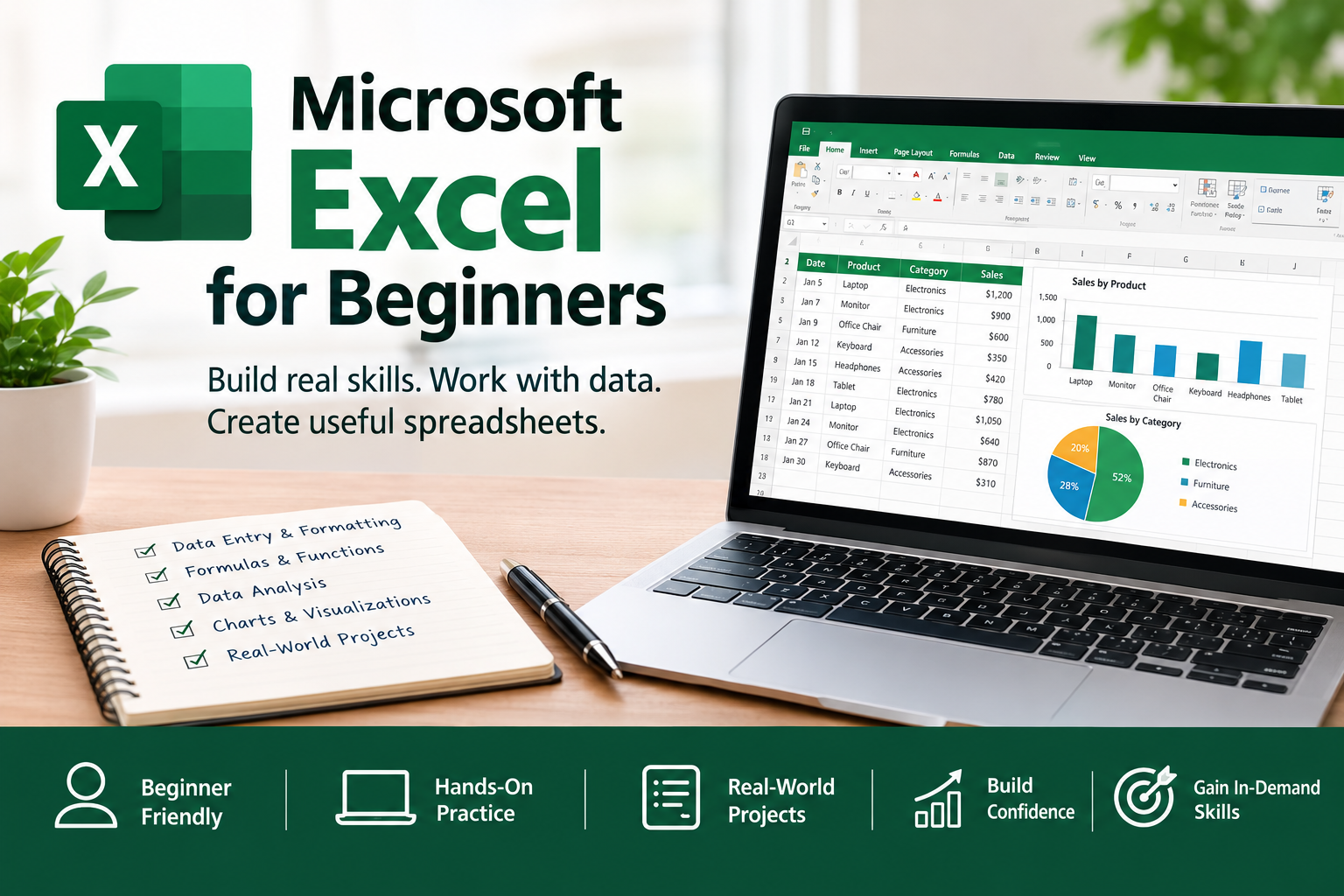
Microsoft Excel for Beginners
Course Overview
Want to learn Microsoft Excel but are unsure where to start? This course provides a practical introduction to Excel, helping you build the skills needed to organize information, perform calculations, analyze data, and present results clearly.
Designed for beginners, the course combines guided lessons with practical exercises and projects that allow you to apply what you learn.
What You Will Learn
By the end of this course, you will be able to:
-
Navigate the Microsoft Excel interface and understand workbooks, worksheets, rows, columns, and cells.
-
Enter, edit, organize, and format spreadsheet data.
-
Create formulas and use basic functions such as SUM, AVERAGE, MIN, MAX, and COUNT.
-
Organize information using Excel Tables, sorting, and filtering.
-
Use Data Validation and manage duplicate records.
-
Analyze data using conditional functions such as IF, COUNTIF, and SUMIF.
-
Identify patterns and insights from datasets.
-
Create and format charts to communicate information visually.
-
Build practical spreadsheets for everyday and business use.
Course Curriculum
Unit 1: Introduction to Microsoft Excel
Understand what Excel is used for and become familiar with its interface.
Unit 2: Entering, Managing and Formatting Data
Learn to enter information, edit records, and format spreadsheets for clarity.
Unit 3: Introduction to Formulas and Functions
Perform calculations and use essential Excel functions.
Unit 4: Working with Data
Create Excel Tables, sort and filter records, apply Data Validation, and improve data quality.
Unit 5: Basic Data Analysis
Summarize data, apply conditional functions, compare results, and identify useful insights.
Unit 6: Creating Charts and Visualizations
Choose appropriate chart types, create charts, and present findings effectively.
Unit 7: Practical Excel Projects
Apply your skills through a sales data analysis project, a personal budget and expense tracker, and a final business performance report.
Practical Projects
Throughout the course, you will work on exercises that help you practice your skills. The final project brings together data organization, calculations, analysis, and visualizations to produce a structured Excel report.
Who Should Take This Course?
This course is suitable for:
-
Complete beginners learning Excel for the first time.
-
Students who want to improve their spreadsheet skills.
-
Professionals who work with lists, records, and reports.
-
Small business owners who want to organize and understand their data.
-
Anyone preparing for roles that require basic Excel and data-handling skills.
Prerequisites
No advanced Excel knowledge is required. Basic computer skills and access to Microsoft Excel are recommended.
Expected Outcome
By completing this course, you will have the confidence to create, organize, calculate, analyze, and present information using Excel, along with practical projects that demonstrate your learning.

Reviews
There are no reviews yet.